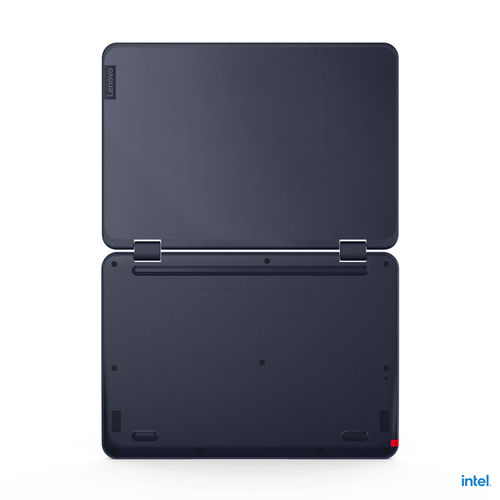
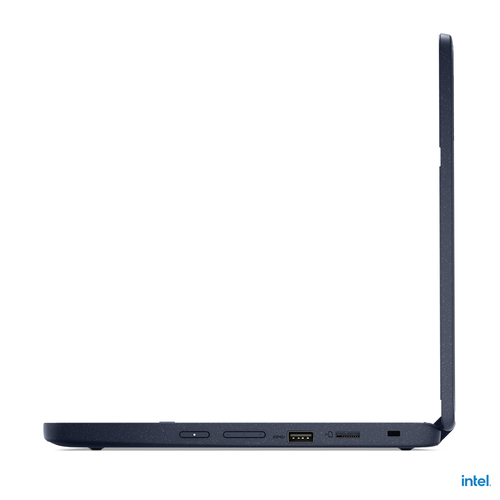
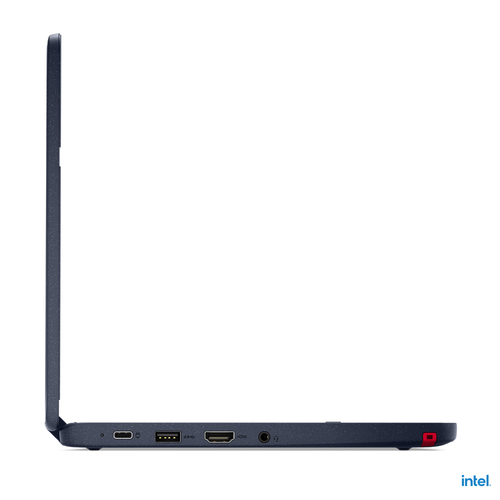


Lenovo 500w Gen 3 (Intel)
82J3000DUK - 196119607114
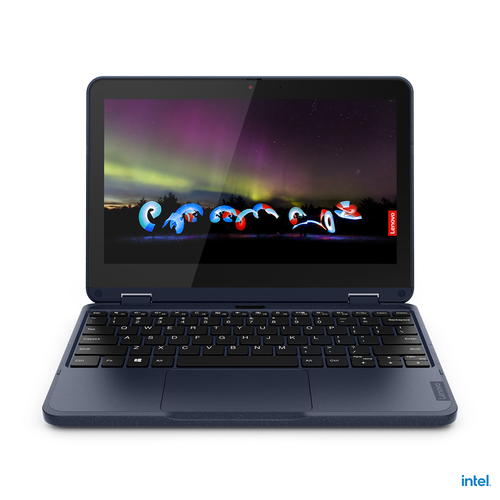
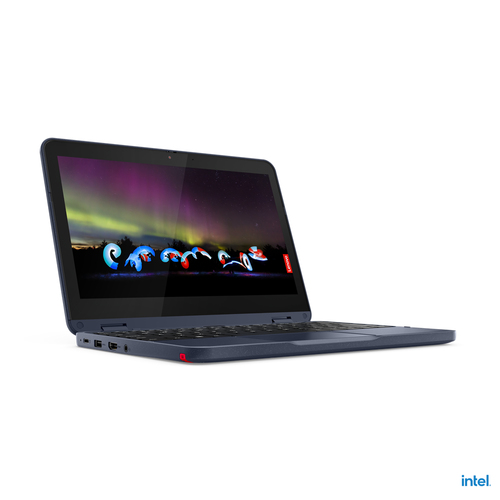
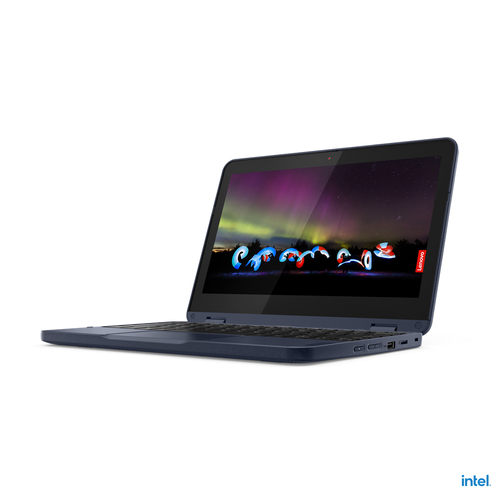
Lenovo 500w Gen 3 (Intel) Intel® Celeron® N5100 Hybrid (2-in-1) 29.5 cm (11.6 inch) Touchscreen HD 4 GB LPDDR4x-SDRAM 128 GB SSD Wi-Fi 6 (802.11ax) Windows 11 Pro English Blue
- Brand
- Lenovo
- Product code
- 82J3000DUK
- SKU
- QD0UJZ05QBBN3
- EAN/GTIN
- 196119607114
- Intel Celeron N5100 (4C/4T, 1.1/2.8GHz, 4MB L3)
- 4GB LPDDR4x-2933
- 128GB SSD M.2 2242 PCIe 3.0x4 NVMe
- Intel UHD Graphics
- Windows 11 Pro
Product Info
Intel Celeron N5100 (4C/4T, 1.1/2.8GHz, 4MB), 4GB LPDDR4x-2933, 128GB SSD M.2 2242 PCIe 3.0x4 NVMe, 11.6" HD (1366x768) IPS 250nits Glossy 50% NTSC Corning Gorilla Glass Touch, Intel UHD Graphics, Intel Wi-Fi 6 AX201 802.11ax 2x2 + BT5.1, Front HD 720p with Privacy Shutter / Rear 5.0MP, Windows 11 Pro
Lenovo 500w Gen 3 (Intel). Product type: Hybrid (2-in-1), Form factor: Convertible (Folder). Processor family: Intel® Celeron®, Processor model: N5100, Processor frequency: 1.1 GHz. Display diagonal: 29.5 cm (11.6"), HD type: HD, Display resolution: 1366 x 768 pixels, Touchscreen. Internal memory: 4 GB, Internal memory type: LPDDR4x-SDRAM. Total storage capacity: 128 GB, Storage media: SSD. Operating system installed: Windows 11 Pro. Product colour: Blue
Scores high in connectivity & performance
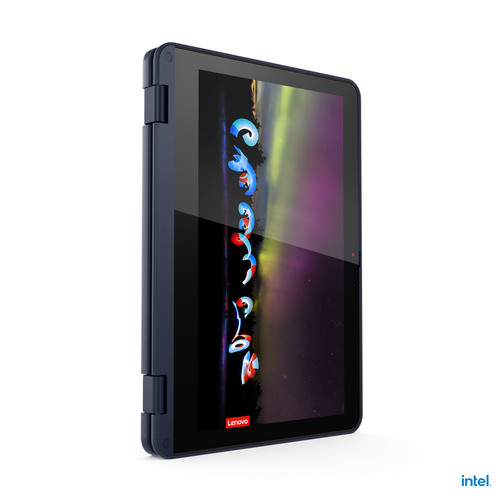
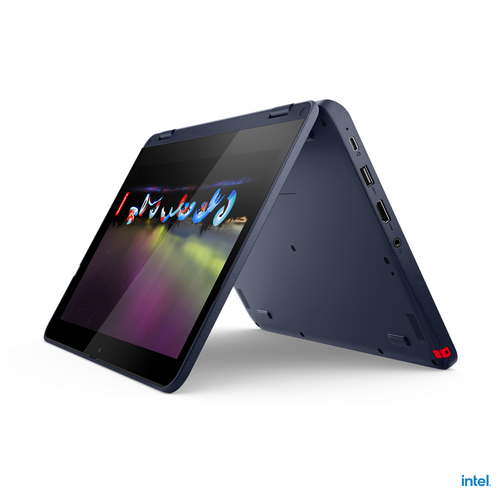
Powered by up to Intel® Pentium® Silver with Windows 10, the 11.6" Lenovo 500w Gen 3 2-in-1 laptop is built for the future of education with features that make it ideal for learning. The 360-degree hinge enables comfortable and convenient modes—especially while using the touchscreen with Pencil Touch technology. Students can use the optional pen to take notes, sketch, and more. Of course it’s built to the rugged durability requirements you expect from Lenovo, and the latest technology to ensure connectivity.
Description
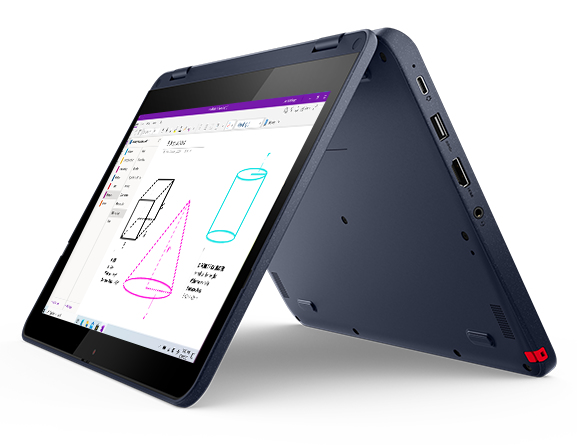
Laptop, tablet, sketchbook
Students can simply tap, scroll, and swipe on the Lenovo 500w Gen 3’s 11.6" touch display. Or they can use a common No. 2 pencil to interact directly and safely with the screen without fear of scratches. The Pencil Touch technology is ideal for taking tests, drawing, and notetaking because it’s more accurate than using a finger. Or for times when even more precision is needed, the optional garaged AES stylus will do the trick. What’s more, the display is a tough-as-nails Corning® Gorilla® Glass panel.Faster WiFi
With the latest connectivity options, students and teachers will never have to worry about getting bumped offline. All-new WiFi 6 capability means students can now enjoy faster connections while watching lessons, connecting virtually with classmates, and uploading their latest creation.
Interactive learning & collaboration
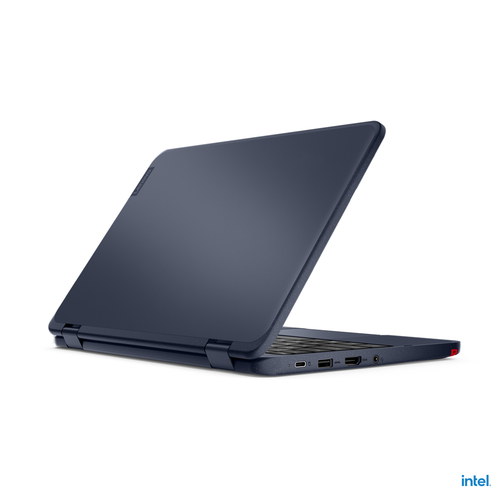
In addition to a variety of ports and a battery that lasts more than a full day on a single charge, the Lenovo 500w Gen 3 2-in-1 PC features a 720p HD front-facing and an optional 5MP world-facing camera that turns any classroom into an interactive learning environment. Plus, Microsoft Teams integration enables virtual face-to-face collaboration and keeps teachers and students communicating in more meaningful ways.Security you can see
Multiple built-in security solutions keep the Lenovo 500w Gen 3 2-in-1 laptop secure. Windows 10 features protect the device from unauthorized login and use. What’s more, the webcam privacy shutter ensures that the camera remains off when set as such. And the Kensington Nano Security Slot™ provides for locking the device in place physically, so nobody walks off with it.
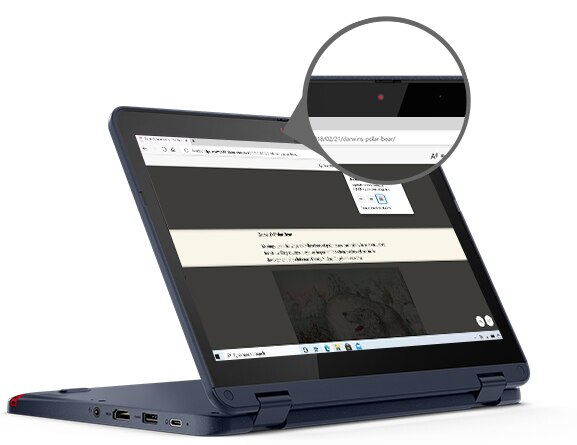
Keeps bullies at bay
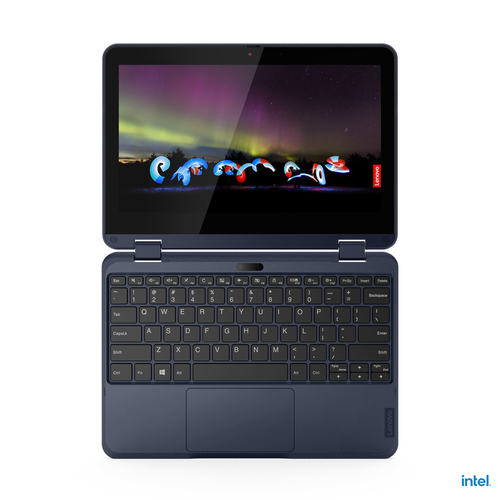
Designed to MIL-SPEC-810H and Lenovo EDU spec standards, the Lenovo 500w Gen 3 2-in-1 PC is engineered to withstand the scrapes, slips, and spills of a typical school day—in the classroom or at the kitchen table. This device features a drop-resistant design with shock-absorbent bumpers, improved water-resistant keyboard (now, up to 360 ml / 12.17oz), improved mechanically-anchored keys, and reinforced 360-degree hinge. This laptop is tough enough to withstand whatever comes its way.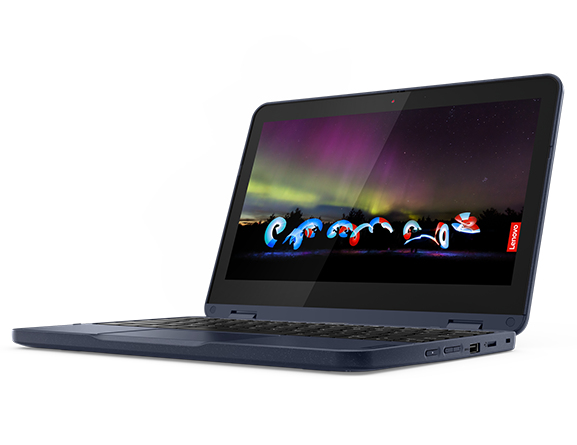
Buy this PC and get a Free upgrade to Windows 11 when available.1
1 Upgrade rollout plan is being finalized and is scheduled to begin late in 2021 and continue into 2022. Specific timing will vary by device. Certain features require specific hardware, see https://www.microsoft.com/windows/windows-11-specifications.