

HP LaserJet MFP M234dw Printer
6GW99F#B19 - 194850664199
HP LaserJet MFP M234dw Printer
- Brand
- HP
- Product Family
- LaserJet
- Product code
- 6GW99F#B19
- SKU
- I9XXPL4P9NU7H
- EAN/GTIN
- 194850664199
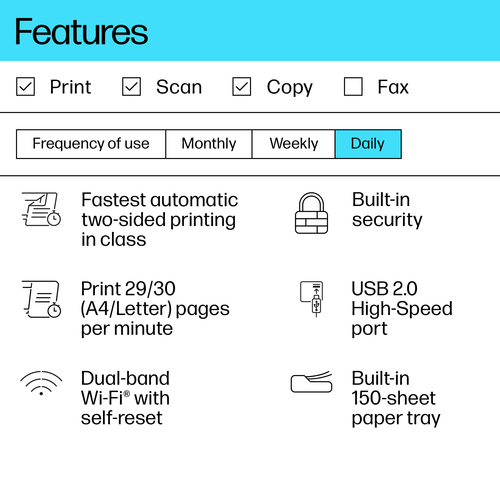
- Scan to email; Scan to PDF
- Print, copy, scan
- Print speed up to 29 ppm (black)
- Up to 600 x 600 dpi
Product Info
LaserJet MFP M234dw Printer
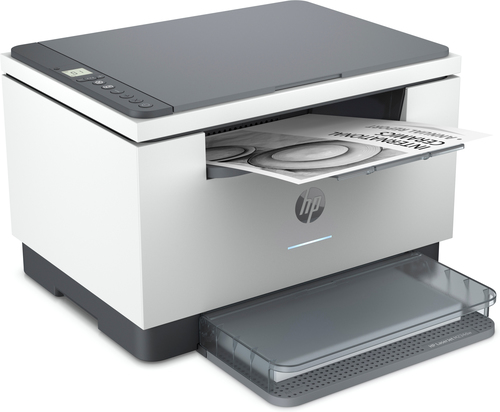
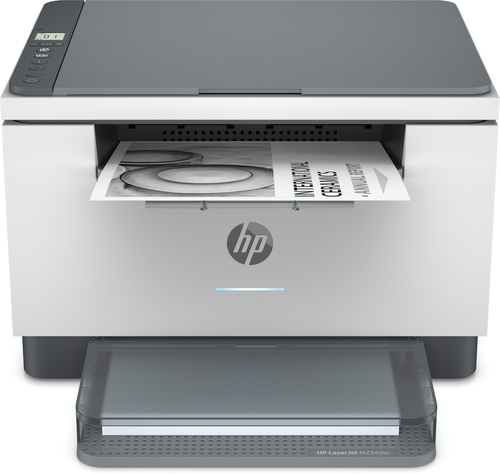
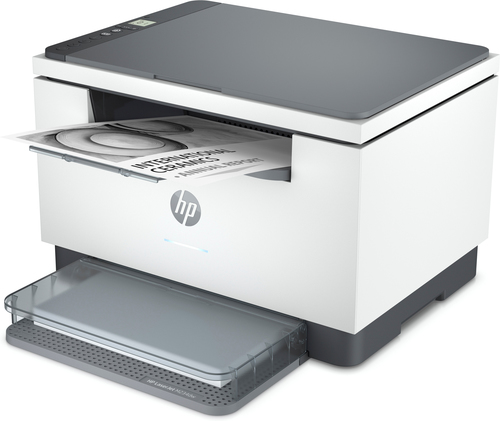
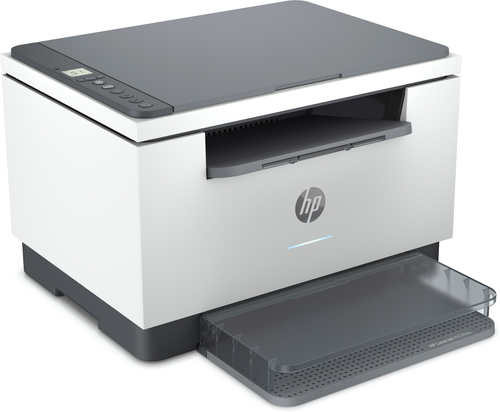
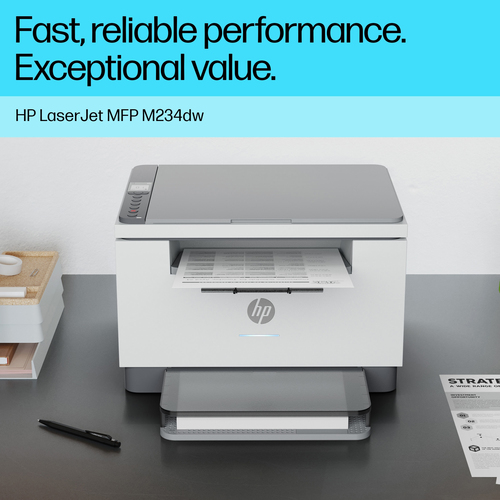
HP LaserJet MFP M234dw Printer. Print technology: Laser, Printing: Mono printing, Maximum resolution: 600 x 600 DPI. Copying: Mono copying, Maximum copy resolution: 600 x 600 DPI. Scanning: Colour scanning, Optical scanning resolution: 600 x 1200 DPI. Duplex functions: Print. Maximum ISO A-series paper size: A4. Wi-Fi. Direct printing. Product colour: Grey
Super versatile. Super compact – with reliable wireless. A high-productivity MFP with the fastest two-sided printing in its class[2] and the time-saving HP Smart app.[6,7] Count on peace of mind from more reliable connections,[1] and a worry-free experience with simplified setup.
Dynamic security enabled printer Certain HP printers are intended to work only with cartridges that have a new or reused HP chip or electronic circuitry. These printers use dynamic security measures to block cartridges using a non-HP chip or electronic circuitry. Periodic firmware updates will maintain the effectiveness of these measures and block cartridges that previously worked. Reused HP chips and electronic circuitry enable the use of reused, remanufactured, and refilled cartridges.
Description
Work fast. Work smart.
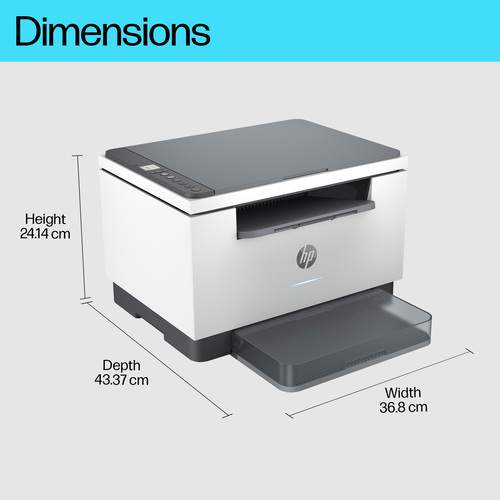
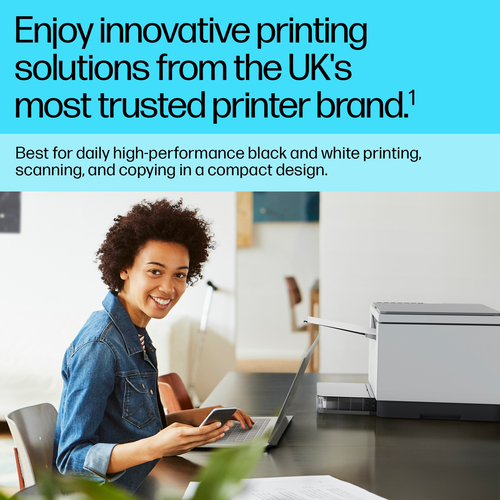
Speed through multipage documents with the fastest in-class two-sided printing speed.[2]You can fit this LaserJet almost anywhere – it’s that small and compact. Get projects done quickly with a printer that fits almost anywhere.
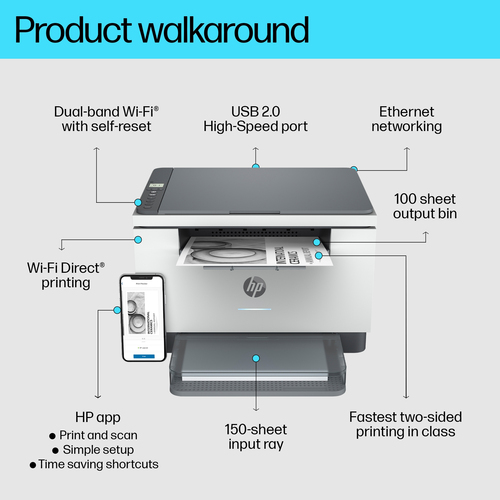
Get better range and faster, more reliable connections using dual-band Wi-Fi™ with self-reset.[1]
Easily share resources – access and print with wireless and Ethernet networking.[4]
Connect your smartphone or tablet directly to your printer – and easily print without accessing a network.[5]
Stay productive from anywhere
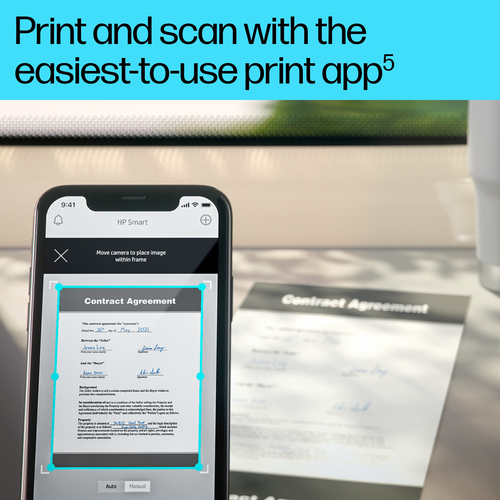
Get high-quality scanning, and share to Dropbox, Google Drive, email, or the cloud – from virtually anywhere – with HP Smart app.[6]Quickly access and print documents and images on your smartphone, from Dropbox and Google Drive, using HP Smart app.[6]
With HP Smart app, you can stay connected to your printer from virtually anywhere.[6] Get notifications when printing, scanning, or copying from your smartphone.[6]
Easy to set up, easy to use
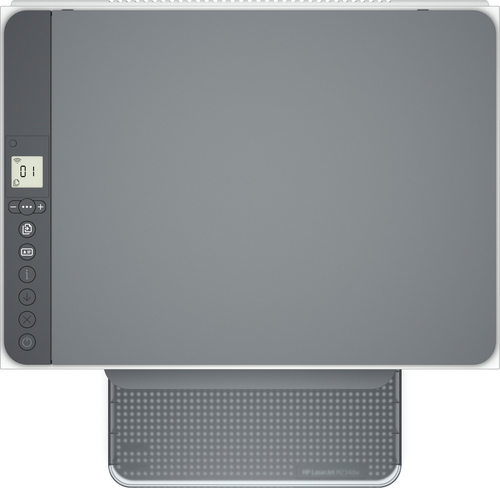
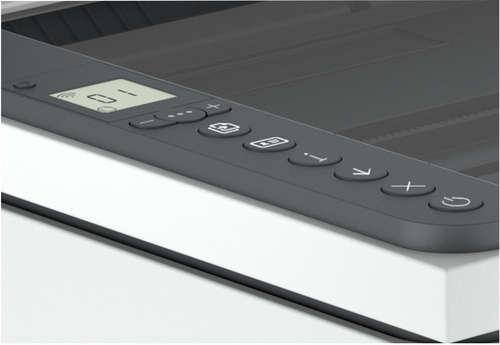
Get started fast with easy setup that guides you, step by step. Simply download the HP Smart app, connect to a network, and share your printer across all your devices.[6]Easily manage tasks with smart-guided buttons for an intuitive experience – buttons appear only when needed.
Help make a positive impact on the environment
This HP LaserJet meets ecolabel requirements, including ENERGY STAR® and BLUE ANGEL.Help save energy with a LaserJet that uses up to 20% less energy than previous model.
Help save energy with HP Auto-On/Auto-Off Technology – intelligence that can turn your printer on when you need it and off when you don’t.[8]
HP FSC®-certified paper is sustainably sourced from responsibly managed, renewable forest sources, which helps stop deforestation and protect wildlife.
Small size. Big performance.
A LaserJet so compact it can fit almost anywhere.Smart-guided buttons and lighting
Easily manage tasks with smart-guided buttons and lighting for an intuitive experience – buttons appear only when needed.Ready to help protect business
Get security essentials to help maintain privacy and control, including basic encryption and password protection.On when you need it, off when you don’t
Help save energy with HP Auto-On/Auto-Off Technology – intelligence that can turn your printer on when you need it and off when you don’t.[8]Fastest in-class two-sided printing speed
Speed through multipage documents with the fastest in-class two-sided printing speed.[2] [2]
Your reliable connection
Get better range and faster, more reliable connections using dual-band Wi-Fi™ with self-reset.[1] [1]Seamless setup
Get started fast with simple setup that guides you through each step, with HP Smart app.[6] [6]Amazing scanning, now on your smartphone
Get high-quality scanning, and share to Dropbox, Google Drive, email, or the cloud – from virtually anywhere.[6] [6]Printing just got more productive
Quickly access and print documents and images on your smartphone, from Dropbox and Google Drive.[6] [6]Printing just got more productive
[6]